
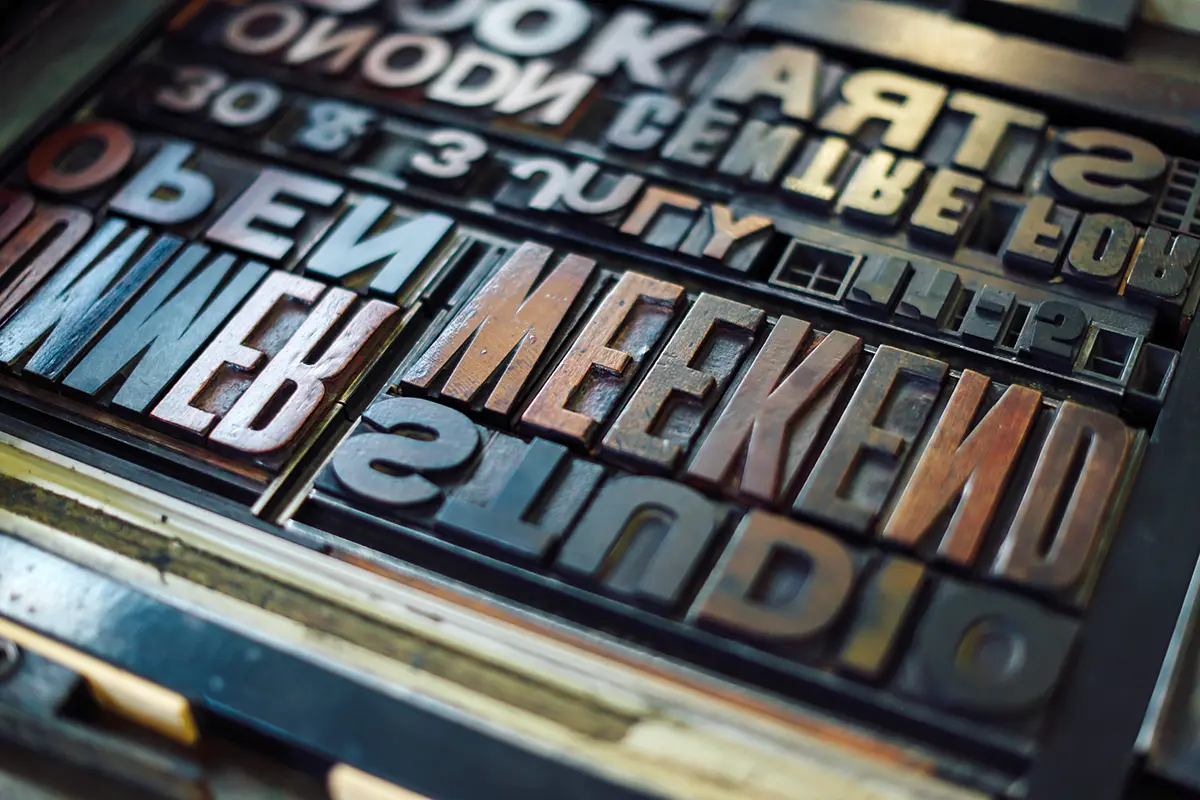
In 1631, a single word was missing from a London Bible, and a prohibition became an invitation. This printing error is as old as printing itself. The good news: We now know its favorite hiding spots pretty well.
The Most Expensive Letter in History
London, 1631. A new edition of the Bible is rolling off the press at the Royal Printing Office. A word is missing from the Ten Commandments—of all words, the little word “not.” A prohibition becomes an invitation. The print run is recalled, the printers are fined, and the work goes down in history as the “Sinner’s Bible.” One typesetter, one slip of the hand, one scandal.
We smile about it today. And at the same time, we know this: A typo isn’t a once-in-a-century event. It’s a wanderer. It makes its way through the entire workflow, from the first sentence in a Word document to the last envelope in the mailbag.
In the text, it takes a mouse click. In the layout, a few minutes. In print, it costs real money. And after it’s sent out? That’s when it requires explanations.
Let’s go through the stations together—not with a pointing finger, but with a flashlight.
Station 1: The Text
This is where most mistakes occur, and this is where they’re least costly. It’s not the typos that the spell-checker highlights in red that are tricky, but the correctly spelled but incorrect words: “Reisepass” instead of “Reisespass,” last year’s phone number, the price without sales tax.
Tips: Check titles, capital letters, and numbers especially carefully—that’s exactly where the eye glances over the most quickly. Have a second person proofread names, dates, IBANs, and web addresses. And: “Approved” means “approved.” The famous “just one tiny change” after the “ready for print” approval is the best friend of printing errors.
Station 2: The Pictures
Images can be tricky because they always look good on screen. A logo from a website has a resolution of 72 dpi and ends up looking like a mosaic when printed. A photo in the RGB color space looks vibrant on the monitor but suddenly appears dull on paper.
Tips: For printing, you need 300 dpi at the original size, not upscaled. Always provide the largest available file instead of the one from the presentation. Clarify image rights and permissions early on. And images that are intended to be full-bleed require a margin all around; the trim allowance is three millimeters.
Station 3: Layout and Print Files
The layout is where everything comes together—including everything that’s missing. Unembedded fonts, broken links, spot colors that end up in four-color printing, or an exported PDF without bleed. None of this is a big deal, as long as you catch it before printing.
Tips: Export print files as PDF/X, with embedded fonts and bleed. Place important content at least five millimeters from the edge; for bound products, leave at least ten millimeters or more. For folded products, create a simple paper mockup, because no screen can accurately show which page actually comes first.
Station 4: The Pressure
The screen glows. Paper does not. If you want to evaluate color with absolute precision, you don’t do it on a monitor—you do it on a proof. The paper plays a crucial role: The same shade of red appears brilliant on coated art paper and matte on recycled paper.
Tips: For color-critical projects—such as corporate colors, packaging, and skin tones—have a proof created and approved. Examine paper samples in person before the print run begins. And for spot colors, use the Pantone number instead of describing the color as “a blue like the one from last time.”
Station 5: Mailroom and Shipping
Now it’s out in the open. Address data is the number one hidden source of errors: duplicates, outdated titles, “Mr.” instead of “Ms.,” “Dear %ANREDE%.” Personalization is wonderful when it works—and embarrassing when it doesn’t.
Tips: Clean up address data before submitting it and provide it in a clearly labeled format. Always run a handful of test records through the system, including edge cases: long last names, missing first names, and companies without a contact person. Determine window placement, weight, and postage format early on, because even one millimeter too thick can affect postage costs. And work backward to calculate deadlines.
Station 6: Digital Kinship
A digital typo isn’t any less harmful—it’s just faster. A broken link, a subject line with a placeholder, a newsletter that doesn’t display properly on a cell phone. The difference from print: You can correct it, but the first hundred people have already seen it.
Tips: Actually click on every link before sending. Test the email on multiple devices and programs. Review the sender’s name and subject line as carefully as you would a front page. And include alt text for people who can’t see images and for programs that don’t load them.
And what if it happens anyway?
Then it happens. With over a hundred years of experience, we know that accuracy doesn’t come from perfectionism, but from process. It comes from clear approvals, a second pair of eyes, test runs, and—the most underrated factor of all—a little time. A text that’s been set aside overnight reads with surprisingly fresh eyes the next morning.
By the way, the “Sinners’ Bible” is now a sought-after collector’s item and fetches top prices. That’s some consolation. But let’s still make sure we do it right the first time.
The three golden rules to keep in mind:
Don’t check what you wrote; check what’s actually there.
Don’t approve it until everyone involved has actually reviewed it.
And give us a call before things get tight.